How to Install Phone, Internet & Data Cabling in Your Home
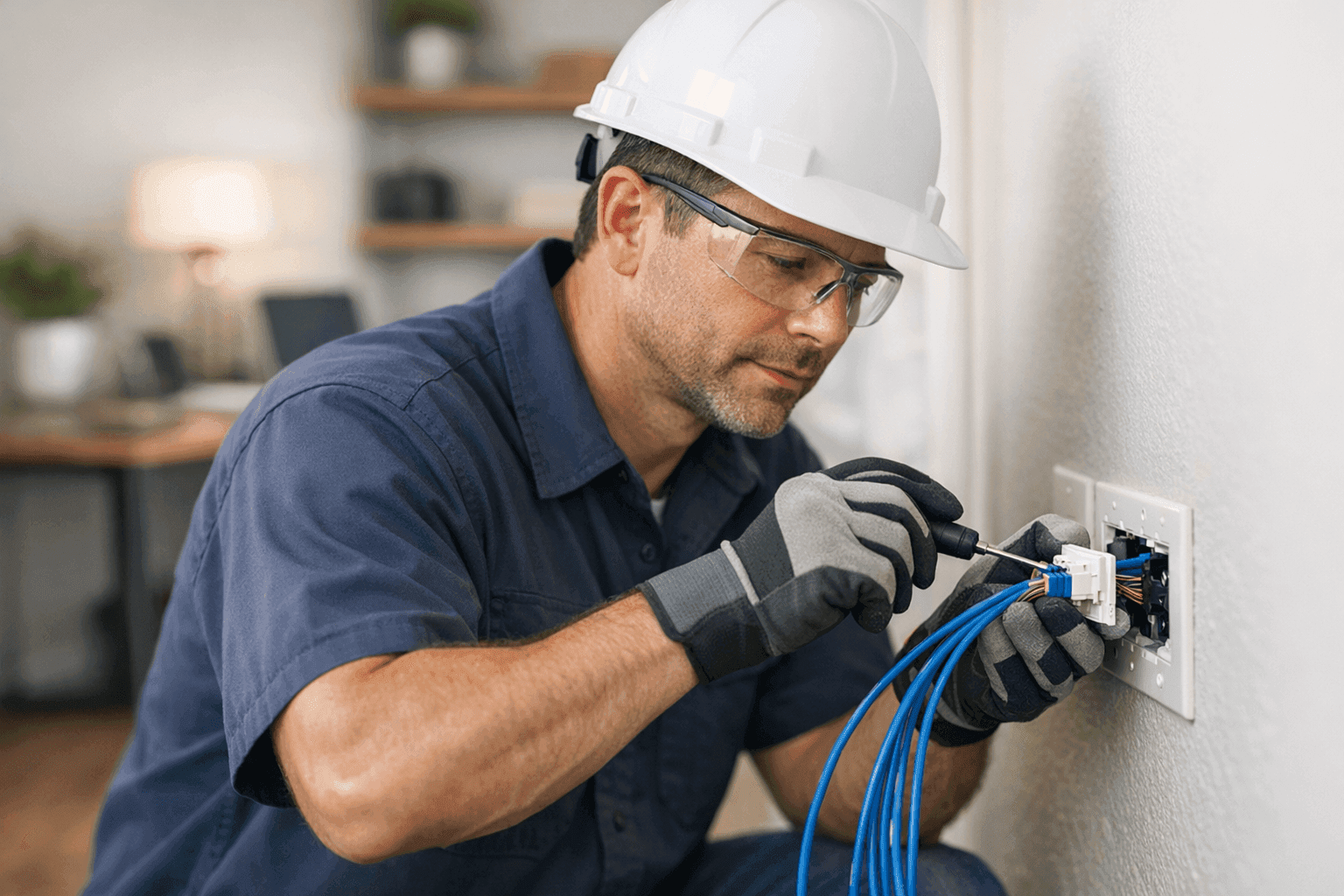
Is your Wi-Fi dropping out right when your favorite show hits its peak? Or maybe you’ve got an office in your home where video calls look more like a slideshow. It’s frustrating. We get it. At Angelic Electric, we help homeowners like you connect every corner of your home—safely and reliably.
Home phone, internet, and data cabling isn’t just about faster downloads. It’s about future-proofing your space. Done right, it’s invisible, secure, and ready for whatever tech tomorrow brings.
Why Upgrade Home Data Cabling? 🛠️
Think of your home's network like plumbing: old pipes mean slow flow and leaks. Modern data cabling is the new copper—delivering speed, stability, and peace of mind.
Here’s why upgrading matters:
- Reliability: Wired connections don’t drop out like Wi-Fi can.
- Speed: Wired is usually faster. Think smooth streaming and zero lag.
- Security: Hard-wired lines are tougher for hackers to access.
- Future-Proofing: New tech needs better wiring to keep up.
- Home Value: Updated wiring can boost resale value.
A home wired for data isn’t just convenient—it’s essential for working from home, streaming, gaming, and smart home tech.
Types of Cabling for Home Networks
Not all cables are created equal. Choosing the right one is key.
- Cat5e/Cat6 Ethernet: The go-to for most homes. Great for internet, gaming, and streaming. Cat6 is faster and handles interference better.
- Coaxial (RG6): Used for cable TV and some internet setups.
- Fiber Optic: Lightning fast, but more for new builds or major upgrades.
- Phone Line (Cat3): Still used for landlines but mostly legacy.
- Low Voltage Cables: For doorbells, intercoms, or alarm systems.
Each cable has a purpose. Mixing and matching the right types keeps your network running smoothly.
Installation Steps and Best Practices
Wiring your home is like laying down railroad tracks for your data. Here’s the process:
- Plan the Route: Map out your rooms. Decide where you need outlets, switches, or access points.
- Measure Twice: Double-check distances. Order a little extra cable.
- Turn off Power: Always. Safety first.
- Drill and Fish: Use fish tape to guide cables through walls. Avoid sharp bends.
- Label Everything: Future-you will thank you.
- Terminate Correctly: Use quality jacks and connectors for a solid connection.
- Test the System: Plug in and check speeds before closing up walls.
Best practices:
- Keep data lines away from electrical wiring to avoid interference.
- Use cable staples sparingly—don’t crush the cable.
- Avoid running cables near sources of heat or moisture.
Safety and Code Compliance
Working with wiring isn’t just about getting the job done—it’s about keeping your family safe. The National Electrical Code (NEC) sets the standard. Local codes may be stricter, so always check before you start.
- Never run low-voltage cables parallel and close to high-voltage lines.
- Use plenum-rated cable in air ducts or shared spaces.
- Secure cables properly—loose wires can become tripping hazards or fire risks.
If you’re unsure, the safest choice is to call a licensed electrician. Code compliance matters, especially if you plan to sell your home.
When to Call a Professional
DIY can be satisfying, but sometimes it’s best to call in the cavalry.
Call an electrician if:
- You’re running cable through multiple floors or finished walls.
- You’re adding new outlets or switches near you.
- Your breaker trips when you add electronics.
- You have older wiring that might not be safe.
A professional will handle tricky codes, tricky layouts, and make sure your system is safe for everyone at home.
Quick Safety Checklist
Before you lift a screwdriver, run through this list:
- Is the power off at the panel?
- Do you have insulated tools?
- Are you using the right cable for the job?
- Are there any signs of old or damaged wiring?
If something feels off, pause and get advice. The National Fire Protection Association (NFPA) offers clear electrical safety tips.
DIY vs. Call a Pro: What’s Right for You?
Some jobs are like changing a lightbulb. Others are more like rewiring a spaceship. Ask yourself:
- Are the walls open or finished?
- Do you have the right tools (fish tape, crimpers, voltage tester)?
- Will you need to pull permits?
If the job looks bigger than your toolbox—or your confidence—Phone, Internet & Data Cabling are ready to help.
What Happens When Pros Arrive?
An Angelic Electric electrician doesn’t just pull wires. We:
- Inspect your current wiring and circuits.
- Plan the most efficient cable routes.
- Use high-quality cable and hardware.
- Test every connection for speed and safety.
- Clean up every bit of mess.
We also answer your questions and make sure you know how to use your new setup.
Prevention & Maintenance: Keeping It Running Smooth
A tidy network today means fewer headaches tomorrow. Here’s how to keep your cabling in top shape:
- Don’t stack heavy items on cables.
- Check jacks and plugs for looseness.
- Schedule regular safety checks (especially after renovations).
- Upgrade splitters or switches if your speeds drop.
Good maintenance is like changing the oil in your car—it keeps things humming.
Costs & Time Factors
Every home is different. Factors that affect cost and timing:
- Number of rooms to wire.
- Wall type—drywall or concrete.
- Distance from your main panel.
- The type of cable you choose.
Smaller jobs can take a day. Larger projects—think whole-house wiring—may take a week. It’s an investment in your home’s future.
When It’s an Emergency
If you smell burning, see sparks, or lose power to outlets and switches near you—stop. Don’t try to fix it yourself. Call a 24-hour electrician right away. It could be a sign of a bigger problem behind the walls.
Frequently Asked Questions
What’s the best cable for gaming or streaming?
Cat6 Ethernet is the sweet spot for most homes. Fast, reliable, and handles interference.
Can I use existing phone lines for internet?
Sometimes, but it’s rarely ideal. Modern Cat5e or Cat6 is better for today’s high speeds.
Do I need to upgrade my panel?
Not for data cabling, but if you’re adding outlets or major electronics, it’s worth checking.
Seasonal Considerations
Cabling is easiest when it’s not freezing outside. Attics and crawl spaces can be tough in winter or summer. Plan your project for mild weather if possible.
Common Mistakes to Avoid
- Running cables too close to power lines.
- Not labeling wires (it’s a headache later).
- Using cheap connectors.
- Skipping the test phase.
A little patience and planning saves hours down the road.
Signs of Trouble
Watch for:
- Slow or dropped connections.
- Crackling on the line.
- Warm or discolored outlets.
- Frequent breaker trips.
Don’t ignore the signs. They’re your home’s way of saying, “Help!”
Timeline & Disruption: What to Expect
Most cabling jobs are low-disruption if you plan ahead. Expect a little dust, a few holes in the wall, and some moving of furniture. But the result? Seamless, invisible wiring that just works.
Materials & Equipment
You’ll need:
- Quality cable (Cat5e, Cat6, fiber, or coax).
- Wall plates and jacks.
- Cable tester.
- Fish tape or rods.
- Insulated tools.
And patience. Good work takes time.
The Bottom Line: Invest in Your Home’s Future
Upgrading your phone, internet, and data cabling is like rewiring the backbone of your home life. From streaming to security, smart devices to home offices—it pays off in peace of mind.
If you’re looking for Wiring & Circuits in Billings, or need a hand with safe installations, Angelic Electric is here to help.
Call Angelic Electric now — or reach us anytime at 844-440-1817 .