How to Install a Smart Home System: Wiring & Automation Basics
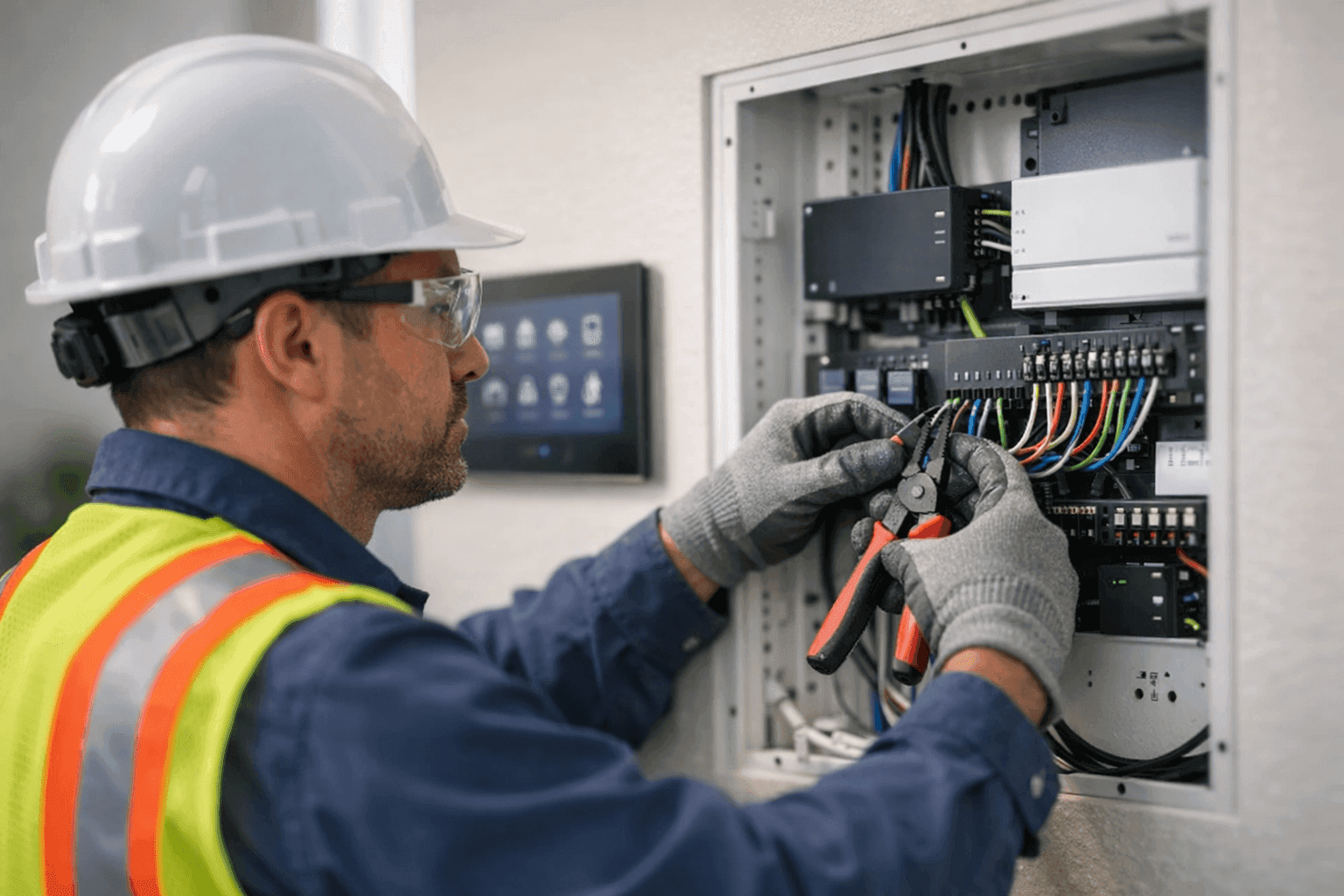
Smart homes aren’t just for tech enthusiasts anymore. They’re popping up everywhere, making life simpler and homes safer. But beneath the sleek apps and fancy switches, there’s a web of wires and circuits that makes it all tick.
If you’re thinking about upgrading your house—maybe adding voice controls, smart thermostats, or automated lighting—you’ll want to know what’s involved. At Angelic Electric, we’ve helped families turn regular homes into intelligent ones. Here’s what you need to know before you start.
What Makes a Home 'Smart'? 🤖
A “smart” home is like a conductor leading an orchestra. Devices—lights, thermostats, doorbells—work in harmony, responding to your voice or routines. But it’s not magic. It’s a combo of clever hardware, strong wiring, and smart planning.
Smart homes usually include:
- Automated lighting and outlets
- Climate control you can adjust from anywhere
- Security cameras and smart doorbells
- Smoke and carbon monoxide detectors with alerts
- Voice-activated assistants
What ties it all together? A solid network—think Wi-Fi, Bluetooth, Zigbee, or Z-Wave. And, at the heart, a reliable electrical system.
Smart Home Devices and Systems
There’s a gadget for almost every chore. Some of the most popular devices in home automation include:
- Smart thermostats (like Nest or Ecobee)
- Wireless security cameras
- Video doorbells
- Automated outlets & switches
- Voice assistants (such as Amazon Echo or Google Home)
- Smart locks
- Motorized blinds
- Leak detectors
These devices connect through hubs or apps, sometimes talking to each other directly. But even the best gadgets need dependable wiring. That’s where a skilled electrician comes in.
Wiring Requirements for Home Automation
Imagine your home’s wiring as a highway system. For smart tech to work smoothly, those roads need to be open, well-marked, and up to code.
Key wiring considerations include:
- Low voltage vs. high voltage: Most smart devices use low-voltage wiring, but some (like smart switches or panels) tap into standard 120V or 240V circuits.
- Circuit upgrades: Adding automation can mean more load on your circuits. Sometimes, new wiring or breakers are needed to prevent overloads.
- Network cabling: Wi-Fi is great, but wired connections (Ethernet, Cat6) are more reliable for hubs, cameras, and data-heavy devices.
- Placement of outlets and switches: Strategic locations make devices easy to access and control.
- Code compliance: All wiring must meet National Electrical Code (NEC) standards for safety.
A professional electrician can map out your wiring, plan upgrades, and make sure everything meets safety standards.
DIY vs. Professional Installation
It’s tempting to roll up your sleeves and go full DIY. Swapping out a light bulb? Sure. Rewiring a panel or running low-voltage lines through walls? Not so fast.
DIY can work for:
- Plug-and-play smart bulbs and plugs
- Voice assistant setup
- Installing battery-powered devices
But call a pro for:
- Hardwired smart switches and outlets
- Upgrading panels, circuits, or breakers
- Running network cables in walls
- Integrating automation with pool/spa, appliances, or HVAC
- Ensuring safety and code compliance
Remember: What you can’t see behind the walls matters most. A pro ensures it’s done right—and keeps your insurance valid.
Integration with Existing Electrical Systems
Retrofitting a smart home system isn’t just about adding gadgets. Your current electrical system needs to play nice with new tech.
- Some older homes have aluminum wiring or outdated panels that aren’t smart-ready.
- You might need to add neutral wires to switches or upgrade service panels.
- Integration with existing lighting, outlets, and circuits can require creative solutions.
A licensed electrician can evaluate your home’s setup and plan integration—without tearing up walls or causing surprises.
Essential Safety Considerations 🚨
Electricity is powerful. It’s also unforgiving. Safety comes first, always.
- Turn off power: Before touching any wires, flip the breaker. Double-check with a voltage tester.
- Follow code: NEC and local codes exist for a reason. They protect you and your investment.
- Use the right materials: Only use UL-listed devices and components.
- Hire qualified help: If you’re not sure—call an electrician.
Adding automation? Don’t bypass smoke detectors, carbon monoxide alarms, or ground fault circuit interrupters (GFCIs). These save lives.
The Angelic Electric Safety Checklist
Before starting any home automation project, run through this quick safety list:
- Power off at the panel
- Confirm correct breaker is off
- Use insulated tools
- Follow manufacturer instructions
- Never overload circuits
- Check for proper grounding
- Test before you touch
If you’re unsure about any step, our team is just a call away.
Common Smart Home Wiring Mistakes
Even the most confident DIYers make mistakes. Here are some we see too often:
- Using the wrong gauge of wire
- Failing to install neutral wires where needed
- Overloading a circuit with too many devices
- Forgetting surge protection
- Relying on old, damaged wiring
- Skipping permits or inspections
These mistakes can lead to flickering lights, device failures, or even fire risks. When in doubt, get a professional checkup.
Choosing Devices: Compatibility and Protocols
Home automation is a bit like piecing together a puzzle. Some pieces fit together perfectly, others don’t.
Look for:
- Devices that support the same communication protocol (Wi-Fi, Zigbee, Z-Wave, Bluetooth)
- Compatibility with your favorite voice assistant or hub
- Support for future upgrades (new devices, expanded automation)
Mixing incompatible gear can create headaches—so plan ahead.
Planning for the Future: Scalability
Think two steps ahead. Today it’s a smart thermostat; tomorrow, maybe automated blinds or security cameras. Your wiring and circuits should allow for upgrades without starting from scratch.
- Install extra conduit or raceways for future cables
- Leave open slots in panels for new circuits
- Use modular devices where possible
A little planning now saves a lot of hassle later.
Maintenance and Troubleshooting
Smart homes need regular attention, just like any appliance or fixture.
- Test devices monthly (especially safety gear)
- Replace batteries in sensors and detectors as recommended
- Update firmware and apps to keep things secure
- Watch for odd behavior: flickering lights, devices dropping offline, or tripped breakers
If you run into persistent issues, it’s time to call in a licensed electrician. Sometimes, loose connections or outdated wiring are hidden culprits.
When to Call for Help: Signs You Need an Electrician
- Burning smells or scorched outlets
- Breakers that trip repeatedly
- Devices losing power or failing to connect
- New installations that don’t work as advertised
- Electrical shocks or tingling from switches
Don’t wait. Electrical issues rarely fix themselves.
Timeline and Disruption: What to Expect
Upgrading to a smart home isn’t always done in a day. Simple device swaps are quick. Running new wires or upgrading panels can take longer and involve some wall work.
- Most single-device installations: under an hour
- Whole-home automation: 1–3 days, depending on complexity
- Panel upgrades or major rewiring: plan for longer, with possible short-term power outages
Good planning—with your electrician—keeps surprises to a minimum.
Materials and Equipment Checklist
Ready to get started? Here’s a basic list (your needs may vary):
- Low-voltage wire (Cat5e, Cat6, or similar)
- Smart switches, outlets, or panels (UL listed)
- Hubs or controllers
- Surge protectors
- Electrical tape, wire nuts, and mounting hardware
- Voltage tester and basic hand tools
- Labels for wires and breakers
Don’t skimp on quality. Safety and reliability start with the right gear.
The Value of Professional Electrical Inspections
Before (and after) any home automation project, an electrical safety inspection is a smart move. It catches hazards, ensures code compliance, and can even lower insurance costs.
At Angelic Electric, we offer inspections, safety checks, and everything from Home Automation to full Wiring & Circuits upgrades.
Local Resources and Codes
Every area has its own rules. The National Electrical Code (NEC) is the gold standard, but your city may add extra layers. Always check with your local building department, or work with licensed pros who know the ins and outs.
If you’re in the area, our Wiring & Circuits specialists are trained in both national and local requirements.
Frequently Asked Questions
Q: Can I automate my home if it’s older?
A: Absolutely, but you may need some wiring upgrades or creative solutions for integration.
Q: Is Wi-Fi enough for smart home devices?
A: For some, yes. For many devices—especially cameras and hubs—wired connections are more reliable.
Q: Will automation increase my electricity bill?
A: Most smart devices are energy-efficient and help you cut costs over time. But be sure your system is wired correctly to avoid waste.
Q: Are all smart devices safe?
A: Only use UL-listed devices, and have hardwired equipment installed by a licensed electrician.
Final Thoughts: Building a Smarter, Safer Home
A smart home is more than gadgets. It’s a blend of good planning, solid wiring, reliable devices, and a focus on safety. Whether you’re adding a single smart switch or wiring up your whole house, Angelic Electric is here to help.
Ready to get started—or need a safety check?
Call Angelic Electric now — or reach us anytime at 844-440-1817 .