How to Plan and Install Dedicated Circuits for Home Offices
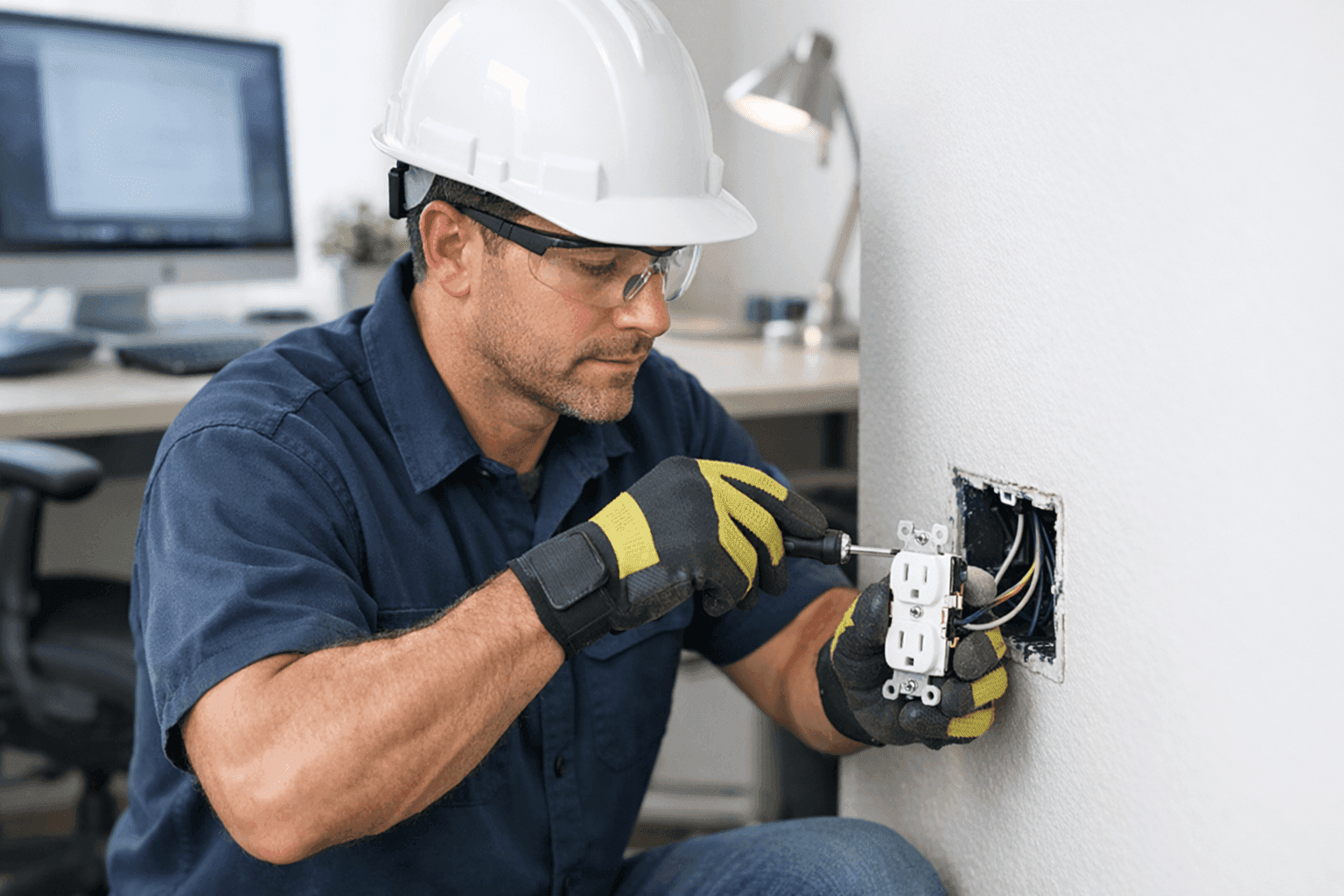
Is your home office running on the same old wiring as your toaster and TV? It might be working for now, but that could be a ticking time bomb for your tech and your peace of mind. The modern home office is packed with sensitive equipment—computers, printers, chargers, smart devices. One surge or overloaded outlet can risk your safety and productivity.
At Angelic Electric, we help homeowners like you cut through the noise and focus on what matters: safe, steady power for your workspace. If you’re wondering how to power your home office the right way, you’re in the right place.
Why Dedicated Circuits Matter for Offices ⚡
Think of your home’s electrical system like a highway. Add more cars (devices) to the same lane (circuit), and traffic slows down—or worse, there’s a pile-up. Dedicated circuits give your office equipment its own lane, reducing the risk of overloads, flickering lights, or tripped breakers.
With the rise of remote work, the National Electrical Code (NEC) now recommends dedicated circuits for home office setups. Sensitive electronics need stable voltage and protection from electrical hiccups. Without a dedicated circuit, one space heater or coffee maker could bring your whole office to a grinding halt.
Planning Your Home Office Power Needs
Before pulling out the toolbox, take stock of your workspace:
- List your devices: Computers, monitors, printers, routers, chargers, and anything else you rely on.
- Check wattage and amps: Most office equipment tags show power requirements. Add them up—if the total exceeds 80% of a standard 15- or 20-amp circuit, you need a dedicated line.
- Future-proof: Think about future gadgets or upgrades. It’s easier (and less expensive) to add capacity now than later.
A careful plan today prevents headaches tomorrow. Angelic Electric can help you audit your needs and recommend the right solution, including Wiring & Circuits.
Installation and Safety Steps
Even a small mistake with wiring can turn your office into a hazard zone. Here’s what safe installation looks like:
- Assessment: Identify which outlets will be used for office equipment.
- Panel check: Ensure your electrical panel can handle an extra circuit.
- Dedicated breaker: Install a new breaker for the office line.
- Run new wiring: Route wires safely through walls or ceilings to dedicated outlets.
- Test & verify: Check for proper voltage, secure connections, and code compliance.
Always follow National Electrical Code (NEC) guidelines. Local permits may be required—your licensed electrician will know the ins and outs.
Professional Installation Benefits
Hiring a professional isn’t just about convenience—it’s about safety and reliability. A certified electrician:
- Knows the latest codes and safety standards.
- Has the right tools for tricky jobs (like fishing wires through finished walls).
- Can spot problems you might miss—like outdated panels or hidden wiring faults.
- Ensures your work will pass inspection and protect your insurance coverage.
If your home office powers critical systems, sensitive data, or expensive equipment, investing in professional wiring is like buying peace of mind.
Preventing Overloads and Surges
Dedicated circuits are your first line of defense, but don’t stop there:
- Surge protectors: Use quality power strips or whole-home surge devices.
- Regular maintenance: Schedule periodic safety checks to catch wear and tear early. Our maintenance services can help.
- Mind the load: Don’t daisy-chain extension cords or overload outlets. Spread out devices if needed.
Quick Safety Checklist for Home Offices
- Are outlets warm or discolored? That’s a red flag.
- Do lights flicker or circuits trip during heavy use?
- Is there a burning smell near outlets or switches?
- Are cords or plugs damaged?
If you answered yes to any of these, pause and call a professional immediately.
DIY vs. Call a Pro: What You Need to Know
It’s tempting to watch a video and try it yourself. But electrical work isn’t like building IKEA furniture. One wrong move can mean fire, injury, or expensive repairs down the line.
Licensed electricians are trained to spot hidden risks, like aluminum wiring or overloaded panels. They’ll pull the right permits, use approved materials, and install everything to code. If you want the job done right—and safely—leave it to the pros at Angelic Electric.
What Pros Do On Arrival
Here’s what to expect:
- A walkthrough of your office setup and needs.
- Inspection of your main panel, outlets, and wiring.
- A clear estimate of work, materials, and timeline.
- Careful installation with minimal disruption.
- Final safety check and cleanup.
We treat your home like our own, so you can focus on work—not on dust or mess.
Prevention & Maintenance: Keeping Your Office Safe
Just like your car, your electrical system needs regular checkups:
- Schedule periodic inspections, especially if you add new devices.
- Test smoke and carbon monoxide detectors monthly.
- Replace worn-out surge protectors every few years.
- Keep cords tidy and away from foot traffic or pets.
A little maintenance goes a long way. For reliable service, check out our Installations and ongoing support.
Costs & Time Factors: What to Expect
Every home office is unique. Costs depend on:
- The distance from your panel to outlet locations.
- Whether walls are finished or open (unfinished basements are quicker).
- The number of dedicated outlets you need.
Most dedicated circuit installations take a few hours to a day. Your electrician will provide a clear timeline and estimate before work begins.
When It’s an Emergency
If you smell burning, see sparks, or lose power in your office, it’s time for emergency service. Turn off affected breakers and call an electrician immediately. Electrical emergencies can escalate quickly—don’t wait for a small issue to become a disaster.
Common Mistakes to Avoid
- Overloading outlets with too many devices.
- Using undersized extension cords for high-power equipment.
- Ignoring warning signs like tripped breakers or hot outlets.
- Skipping professional installation to cut costs.
These shortcuts can cost far more in the long run.
Signs of Trouble: When to Upgrade
Watch for these warning signs:
- Circuit breakers trip regularly under light loads.
- Devices reboot or shut off unexpectedly.
- Lights dim when you turn on office equipment.
If any of these sound familiar, it may be time for an upgrade.
Timeline & Disruption: What’s Involved
Worried about mess or downtime? Most installations cause minimal disruption. Electricians use protective coverings, work efficiently, and clean up after themselves. You’ll know exactly what to expect—and when you can get back to work.
Materials & Equipment: What’s Used
Professionals use:
- High-quality copper wiring, sized for your needs.
- Modern circuit breakers and safety devices.
- Tamper-resistant outlets for added protection.
- Code-compliant boxes and fasteners.
No shortcuts. No subpar hardware.
FAQ: Dedicated Circuits for Home Offices
Do I really need a dedicated circuit?
If you use high-powered or sensitive equipment—yes. It’s a small investment for major peace of mind.
How often should I have my wiring inspected?
Every 3–5 years, or anytime you add major new equipment.
Can I use power strips instead?
Power strips help with convenience but don’t replace the safety of a dedicated circuit.
Seasonal Considerations for Home Office Wiring
Winter heaters or summer AC units can strain circuits. Plan ahead if your office is in a converted attic, basement, or sunroom. Proper wiring keeps you comfortable and safe year-round.
The Angelic Electric Difference
We’ve helped hundreds of homeowners build safer, smarter workspaces. With Angelic Electric, you get clear advice, professional installation, and prompt support. Our residential electrician services are available around the clock—even for those looking for an electrician company in Nampa.
Call Angelic Electric now — or reach us anytime at 844-440-1817 .